
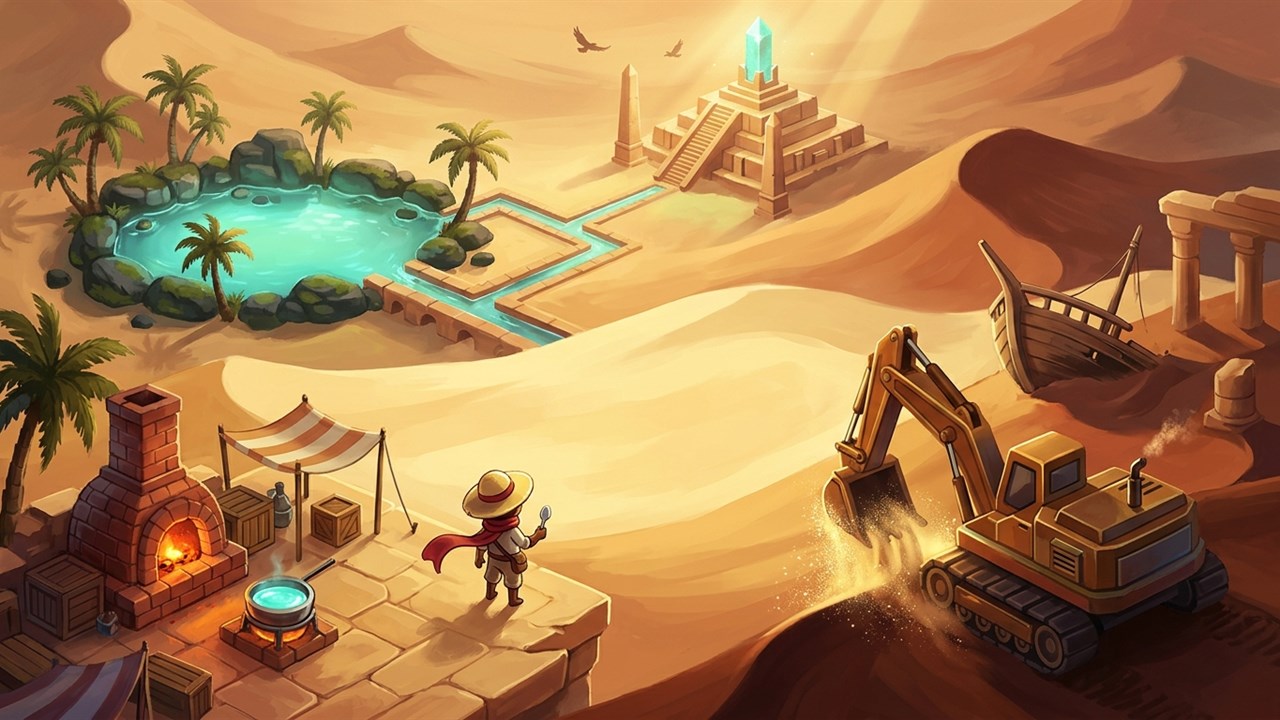
Edition Note: This guide covers the 14 buried finds in the original first-person 3D demo by Oliver Kuso on itch.io. Our independent 2.5D Oasis Edition on this site is a different game with 12 relics — see the relics, hidden temple and endings guide for those. Both are free to play; neither requires a download.
The finds are the reason Every Last Grain keeps pulling players back after the desert looks empty. You start with a teaspoon, sell glass, buy a wider scoop — and somewhere under the sand you keep clearing sit the objects that turn a cleaning loop into a treasure hunt. Below is how the system actually works, why most players stall at eleven or twelve out of fourteen, and a routine that will close the gap.
How the 14 Finds Are Tracked
Every find you uncover is logged automatically. Press J at any time to open the discovery journal: it lists what you have already collected and shows how many slots are still empty out of fourteen. That journal is the single source of truth for your progress — the number of finds is not shown anywhere else on screen, and the game will not tell you where a missing find is, only that one is missing.
Finds are buried under sand, not sitting on the surface. Practically, that means two things: you have to remove the sand directly above an object before it can be picked up, and because sand refills after sandstorms, ground you have "already done" can hide something again later. If you only ever clear the area around the spawn point and quit, you will finish the visible desert with well under fourteen entries in the journal.
Why Most Players Get Stuck at 11 or 12
Four habits account for almost every unfinished finds list:
- Digging one narrow shaft straight down. A starter spoon carves a narrow column; finds that sit slightly off that line stay buried forever. Widen your digging radius before you go deep.
- Never reopening the journal. Players assume they will remember what they picked up. They do not. Press J every couple of minutes, note how many entries are missing, and treat the count as a to-do list.
- Ignoring partially cleared ground. When an area is 90% clean, the last strips along the edges are exactly where a slightly different sand depth traps an object. Sweep the perimeter of each cleared region again after upgrading.
- Quitting without letting the save flush. The original demo writes to browser storage roughly every 30 seconds. Closing the tab mid-dig, running the demo in a private/incognito window, or clearing site data can wipe the run — and with it the finds you had already logged.
A Search Routine That Actually Finishes the List
Instead of hunting randomly, treat the desert as a grid and let your upgrades do the searching:
- Sweep in lanes, not circles. Walk parallel strips across one region, then rotate 90 degrees and cross them. Two passes catch the objects sitting between your original tracks.
- Sell every full load. Cash spent on scoop width, carrying capacity and excavation power covers more ground per minute than cash sitting idle — and wider scoop radius is the single biggest driver of accidental finds.
- Re-clear the starter zone late. Come back to the Lot Edge with a mid-game scoop: the extra radius reaches sand your teaspoon could never touch, and finds that were unreachable early become trivial.
- Watch where sand refills. Sandstorm blow-back drops fresh sand in specific strips rather than uniformly. Those strips are worth a second pass, because they are the places the terrain has actually changed since you last looked.
- Keep a written tally outside the game. Note which journal entries you already have after each session. Browser save data is fragile, and a written list tells you whether you actually lost progress or only think you did.
How the 2.5D Oasis Edition Handles Collectibles
Our 2.5D edition deliberately took a different route: instead of fourteen unmarked finds, it has 12 buried relics, including the 4 Sun Rune Tablets that unlock the secret True Ending, plus 4 landmarks such as the Buried Oasis Spring, the Sunken Galleon Wreck and the Lost Contractor's Watch. Relics are marked by Deep Sonar (F, unlocked for $1,200 in Camp Tech), which pings cyan rings around whatever is still buried — and the J journal tracks which ones you have. If you are playing our version and looking for positions and the hidden temple, start with the relics and hidden temple guide, then use the 4-stage walkthrough for the upgrade order that makes sonar affordable.
Why We Do Not Publish a Coordinate Table
You will find videos and forum posts claiming to show the exact location of every find. Some are accurate, many are not, and a wrong coordinate costs you more time than digging blind. We only publish positions we have been able to verify in the current build — which is why this page explains the system and the routine rather than promising a list of numbers. As each location is confirmed, it gets added here with the build it was tested on.
Ready to Dig Again?
Jump back to the Every Last Grain homepage and play the free 2.5D Oasis Edition in your browser — or read the How to Play and Controls guide first if you want the exact key bindings for both editions, the save-protection checklist, and the early upgrade order that makes finds easier to reach.